



.svg)



.svg)


.svg)


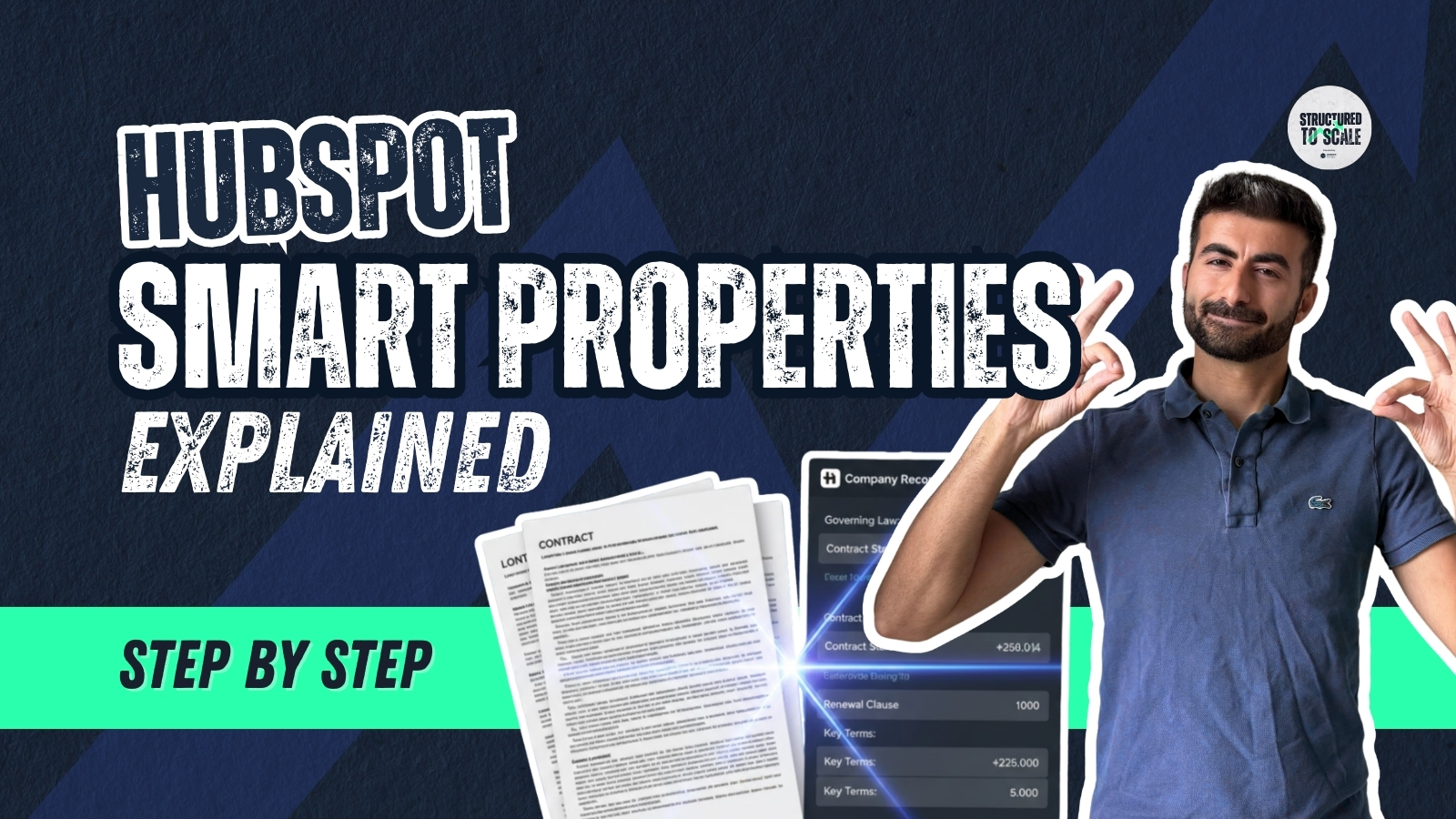 HubSpot Smart Properties Explained + PDF Legal Document Example | Step-by-Step">
HubSpot Smart Properties Explained + PDF Legal Document Example | Step-by-Step
🚀 HubSpot Smart Properties just changed the game.
In this video, I walk you step-by-step through how to create Smart Properties in HubSpot and show you a powerful real-world example, automatically extracting key information from legal PDF documents directly into your CRM.
No more copy-paste.
No more manual data entry.
Just AI-powered CRM automation.
🔎 What You’ll Learn:
✔ What HubSpot Smart Properties are
✔ How to create a Smart Property (step-by-step)
✔ How to write effective AI prompts
✔ How to extract data from legal contracts & PDFs
✔ How to bulk-fill Smart Properties
✔ How to automate Smart Properties inside workflows
✔ Real use cases beyond legal documents
💼 Real Example Covered:
We demonstrate how to:
• Upload a legal contract PDF to a file property
• Use a Smart Property to extract governing law, contract dates, and key clauses
• Automatically structure that data inside HubSpot
This is perfect for:
• Legal teams
• Sales ops
• RevOps
• Agencies
• Anyone managing contracts in HubSpot
If you’re serious about mastering HubSpot shortcuts and AI automation, this is a must-watch.
⚡ Why This Matters
Smart Properties turn unstructured data (calls, notes, PDFs, websites) into structured CRM insights automatically.
That means:
• Cleaner CRM
• Faster decision-making
• Less admin work
• More automation